
In the era of working from home, video calls are more important than ever – which means a stable connection can be crucial.
However, too often I find myself buffering and lagging through video meetings, and struggling to load simple Google searches, even when a test shows that my WiFi speed is up to scratch – leaving me stumped.
The answer could lie with ISP peering issues, which any of the best VPNs can help to solve. Luckily, ExpressVPN is offering a deal on multi-year plans, meaning you can get our pick for the best VPN for Windows users for less.
Save 80% with this ExpressVPN deal
ExpressVPN is currently available for as little as $2.49 per month for the Basic plan, which comes with support for up to 10 devices as well as limited access to MailGuard email protection tools.
As with most VPN deals, this monthly price is derived from a longer 28-month contract, so the total up-front cost is $69.72. That’s a saving of 80% compared to the pay-monthly price of $363.72 ($12.99/mo).
The Basic plan should be enough to quell ISP peering issues, but there are options if you need to connect more devices or access more features. The Advanced plan is available at $2.99 per month ($83.72 up front), a saving of 78% on the pay-monthly price, while the Pro plan can be had for a slightly steeper $5.49 per month ($153.72 up front), a 72% saving on the pay-monthly price.
As you’d expect, the Advanced and Pro plans come with a list of additional features and expanded connectivity, with each plan supporting 12 and 14 devices, respectively. The Advanced plan gives you access to Express’ Keys password manager and Identity Defender identity protection toolkit, while the Pro plan adds ExpressAI, a confidential AI computing platform.
Peering problems

,ISP peering is the process by which an internet service provider (ISP) allows other ISPs to access its network and customers. ISP peering relies on routing traffic through another provider’s network to connect users more efficiently.
This is an essential part of how the internet works, and typically leads to faster data transfer and reduced network congestion.
With that said, problems with ISP peering can lead to packet loss and slow data speeds, which translates to dropped calls, buffering video, and slow downloads.
One way to deal with the ISP peering issues is by using a VPN to route your internet access through another server.
And for those looking to save while beating ISP peering issues, one of the most tempting VPN deals I’ve spotted is for ExpressVPN, one of the best VPNs on the market.
As our ExpressVPN review details, it’s one of the most secure and feature-rich VPNs on the market, with a no-log policy, minimal data retention, and support for split-tunnelling.
However, ExpressVPN is one of the pricier VPNs out there, roughly on par with NordVPN – which makes this deal even more welcome.
Other options
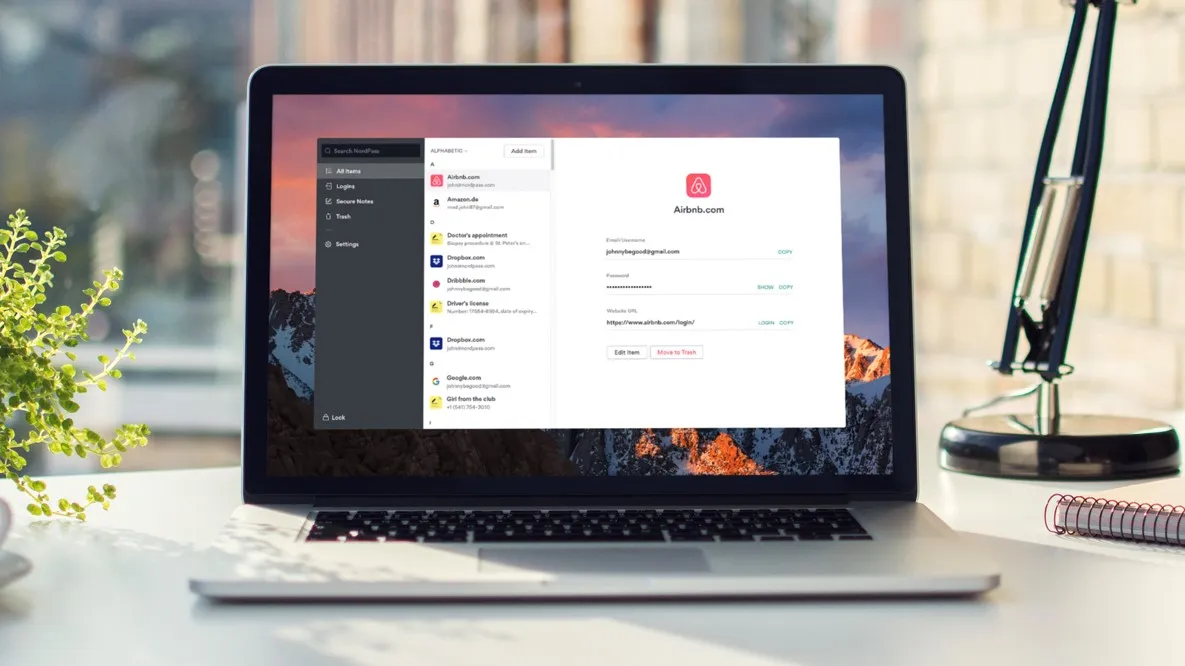
However, most VPNs can help with ISP peering troubles, so there are other options out there.
NordVPN and Surfshark will both offer faster speeds than ExpressVPN’s standard Lightway protocol, though its Windows-only Lightway Turbo protocol has managed to catch up. Surfshark is also cheaper than ExpressVPN, even considering the deal above.
And ProtonVPN’s Stealth protocol offers proprietary obfuscation, hiding the fact that you’re using a VPN at all, which ExpressVPN can’t match.
https://cdn.mos.cms.futurecdn.net/dmFvTi4t7RWJPCnE3oyPBD-1200-80.jpg
Source link
jamie.richards@futurenet.com (Jamie Richards)





