
- Incognito mode only deletes local browsing history; your ISP still sees every site you visit
- ISPs track your data to sell to advertisers, throttle your bandwidth, and comply with government requests
- Encryption tools like VPNs and DNS over HTTPS can help protect your browsing habits
Many people assume that opening a private browser window is the ultimate shield for their digital privacy. Unfortunately, the Incognito Mode myth is exactly that, a myth. While it does a great job of wiping search history and cookies from your device, your online traffic remains transparent to your Internet Service Provider (ISP).
Unfortunately, ISP logging is a standard industry practice clearly outlined in their terms of service. For years, broadband and mobile providers have legally tracked the websites you visit.
Why do they care so much about your browsing history? Firstly, your data is incredibly valuable. ISPs track your habits to monetize them, often packaging and selling aggregated user data to advertisers.
Secondly, monitoring your activity allows them to control your connection quality through bandwidth throttling, purposefully slowing down your internet if they catch you streaming or torrenting heavy files.
Finally, widespread data retention allows ISPs to easily comply with government data requests. If you want real privacy, you should consider a Virtual Private Network (VPN).
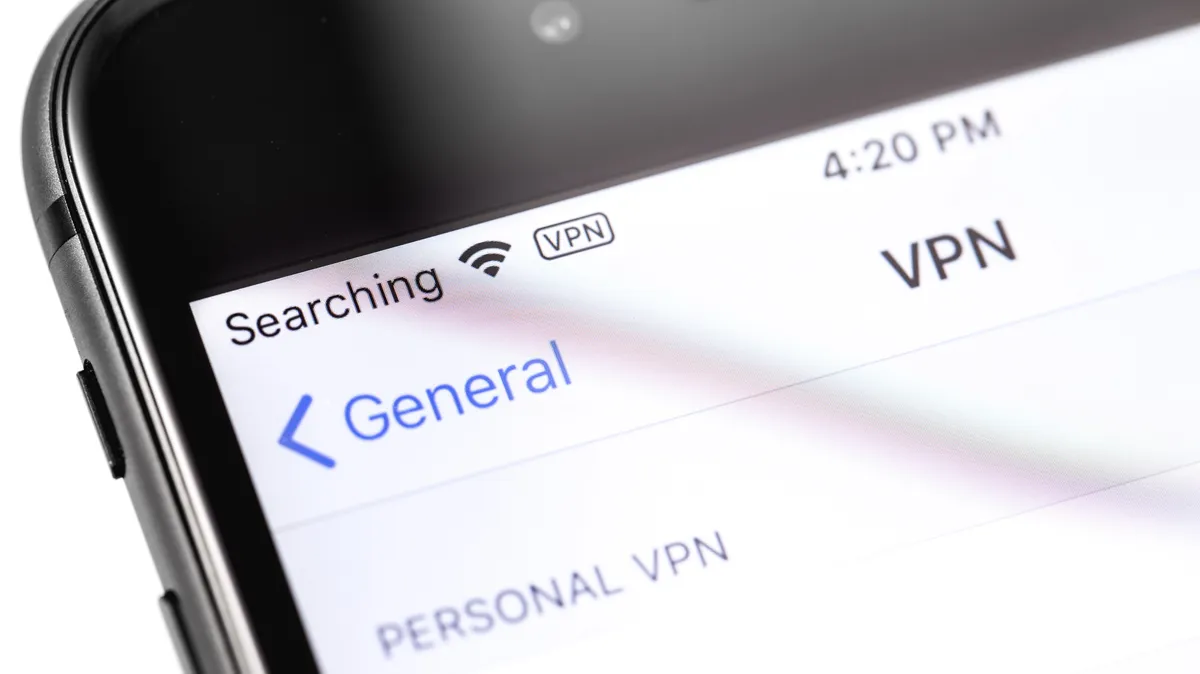
How a VPN enhances your privacy
Think of your internet connection like sending a postcard through the mail. Even if the message is written in a language the postman doesn’t speak, they can still read the recipient’s address.
That’s what happens when you use standard HTTPS websites. While HTTPS hides the specific content of the webpage you are reading, your ISP still sees the exact domain name you’re visiting via DNS queries and SNI (Server Name Indication) handshakes.
Sophisticated ISPs go even further. By using Deep Packet Inspection (DPI), they can analyze the timing and size of your encrypted data packets. This allows them to guess your specific activities, such as whether you’re streaming 4K video or downloading a large file.
A VPN changes the game by acting like a secure courier service. It takes your postcard, puts it in a tamper-proof envelope, and drives it through a private tunnel. By handling your DNS requests internally and wrapping your entire internet connection in sophisticated encryption, a VPN transfers the trust from your internet provider directly to the VPN provider.
Your ISP only sees an unreadable stream of scrambled data going to a single server, nothing else. But that doesn’t necessarily mean you’re completely protected.
How to choose the best option
Because a VPN transfers trust away from your ISP, you need to be absolutely certain you aren’t just swapping one corporate spy for another. Choosing a poor-quality provider, especially one that secretly logs your data, completely defeats the purpose of using a privacy tool.
As TechRadar has extensively covered, many dangerous free VPNs have hidden data-sharing practices or compromised security protocols.
It is also important to understand a VPN’s limitations. While it helps shield your traffic from an ISP, it doesn’t make you a digital ghost. Tracking techniques like browser fingerprinting can still allow websites to track your identity across different sessions based on your device’s unique configuration.
To stay secure, look for a VPN that has undergone independent third-party audits. These verify that a ‘no-logs’ policy is a technical reality rather than just a marketing claim. The best VPN providers also invest in RAM-only servers, which ensure that no data can be physically stored on a hard drive.
However, a VPN might be overkill for some. You can significantly improve your privacy simply by enabling DNS over HTTPS (DoH) in your browser settings.
This encrypts your DNS requests, preventing your ISP from seeing which domains you are looking up. While this is now a built-in feature in browsers like Firefox and Chrome, it won’t hide your activity as comprehensively as a VPN.
Apple users can also utilize iCloud Private Relay. While it is a great starting point for shielding your Safari browsing from your ISP, keep in mind it doesn’t offer the server-switching flexibility of a VPN and won’t protect traffic from non-Apple apps.
Reclaiming your right to privacy
It’s worth remembering that digital privacy isn’t just for people who have “something to hide.” Whether you want to slow the onslaught of highly targeted ads or prevent a company from knowing your most personal digital habits, it’s always worth exploring ways of improving your digital privacy.
Thankfully, there’s now a lot of options to help do that. It’s just a matter of deciding which fix will work best for you.
https://cdn.mos.cms.futurecdn.net/dAdHLanyjwZV3bW2GnzQmT-1024-80.png
Source link





